Friday, April 24, 2015

Our Animation Story


Our focus statement tells our story because it is about how Kynan is afraid of everything, especially death, and meets up with death in his dream and the nay way to stop the out of control plane is to beat death in a game of chess. This story is completely made up and is not true, but has a deeper meaning to it than just playing chess to save lives. That meaning is to stand up for yourself and others around you, that are either stranger or family. My group chose this because everyone has that moment that will either make or break them and sometimes you have to do the right thing even though it would be much easier to just let go. The moral of this paragraph is, to never give up, and don't let it go. (haha Frozen references)

Our audience will learn about how it is never good to give up. As in my last paragraph I said that even if you are scared then you still can do it, it just takes a little more effort, and a bit more encouragement. Our audience will learn this by seeing our story and saying "even though Kynan was scared of... Everything, he still pulled through in the end and saved the plane. I think it is important for everyone to know this lesson because I think now people are starting to get dependent on machinery and technology. Even though we think were all strong and mighty and the superior  species, some of us would not last a day without technology. Within a month all of us who use technology would go mad. Our story teaches us about how we can pull through if we can do it mentally.

My best moment as a team would probably be just hanging out having fun, and shooting stop motion.  Overall it was just a fun experience to have a tiny bit of stress to work my butt of and try to come out with the best quality my team and I could produce. The worst moment would probably be geared toward the end of our project because we were all doing our own separate thing and we didn't communicate a s well as we did before. Sometimes we would start scenes someone else had already be working on, and sometimes somebody would come in at lunch, leave and then the other people come in right after they left. Now that I look at that scenario it is actually really funny, but when it happened it was so annoying. Anyway wish us luck on our project. Peace out.
Oh wait stay, never mind, look at my amazing animation video at the top of the page. Ok, now peace out.


Animation Outtakes

We are starting our animation process again this year! Except this time I actually know what I am doing. Now I love animations, especially creating them, they just look really cool. My teammates for this project are Kynan Ledee, Mason Doo and Kamalei Berg. Now here are some interesting facts about my teammates. Did you know Kynans favorite food is Pizza? Also he likes TACOS! Did you know, for some strange reason, Mason and Kamalei are mistaken for each other? As well as sometimes Kamalei likes to Bogey board. Mason (or Kamalei I DON'T KNOW) is in boy scouts and likes to read specific books.

Stop-Motion is when you look like your moving but really it is just a strand of pictures hung together. For example if you take a picture of someone taking a step, then another picture of them moving slightly, then another picture, then another, then another until you have a man moving without video! A GIF is a video just playing in a loop. Usually GIF's are about one to five minutes long and just keeps on playing over and over again. That's what a loop is, a video just playing over and over.

We are telling Kynan's story for our animation. Well kind of Kynan's story. We warped it so that it is more interesting, but it is based off of Kynan getting on an airplane for the first time. He falls into a deep sleep when his plane is out of control and falling fast! Except in his dream he meets up with death or Kamalei and gets challenged to a duel in chess. All of this is just to say that even if things get hard you still need to keep trying. Even if you are afraid of everything like Kynan, not really but, still do it!
ANIMATIONS ARE AWESOME

Friday, March 13, 2015

Typography Images

Typography is a way of arranging text. That means in Typography Portraits you arrange words inside of a portrait. If you don't know what a portrait is you can look on my last blog post the Double Exposed Portraits. Typography Portraits are basically words inside of a picture, no meaning right? No the words inside of the image describes them, it tells everyone who looks at it look this is who they are. It can be used with images to make a lasting impact in, like I said, a typography portrait. How a typography portrait makes a lasting impact is you look at the image, but the image is made of words! So you pay attention to the image made of words, and it tells you what the person is, what they do, what they like and so forth.

My biggest challenge during this project was cropping and trying to get the text to fit. The first time I did this I was new and I was still learning. Now I have had experience and know what I am doing. The text was a big issue for me because I had to remove some spaces from the text and it was when I was almost done. So, I had to restart the whole process and remove the space. Also when I cropped the images I couldn't get the whole face inside the crop. It turned out looking like sides of his face got cut off . This problem sadly I did not fix, the crop box couldn't be fixed.


Right now I am writing about my three images, although I currently only have two at the moment. My first image is of Nikola Tesla the first person to come up with the idea of powering things with electricity. Yes that was not Thomas Edison that was, in fact, Nikola Tesla. I chose that image because I think that he is under appreciated. The second image is of my social studies teacher. This process was under the intermediate category so it was  much harder to do and understand. The third image I am going to do is of myself (this is going under expert so it will be very difficult, wish me luck!). I had to rush on the last one so it will look hurried. The last one doesn't even look like me. :(

Wednesday, February 25, 2015

Double Exposed Portraits

Portrait photography is a picture of someone or a group of people that displays expression or mood. Usually the picture is focused on the persons head but it may have the persons body and a background image included. A profile is an outline of something, usually a persons face. Portrait and profile are similar because they both are of people, while one is of the side of the face and the other is of the whole face. Silhouetting is a picture of a person or an animal but it is only in one color. All these are very similar and yet so different, for example silhouetting is of a person but only in one color, a portrait is of a person or group of people showing mood or expression and profile is of the side of a persons face.

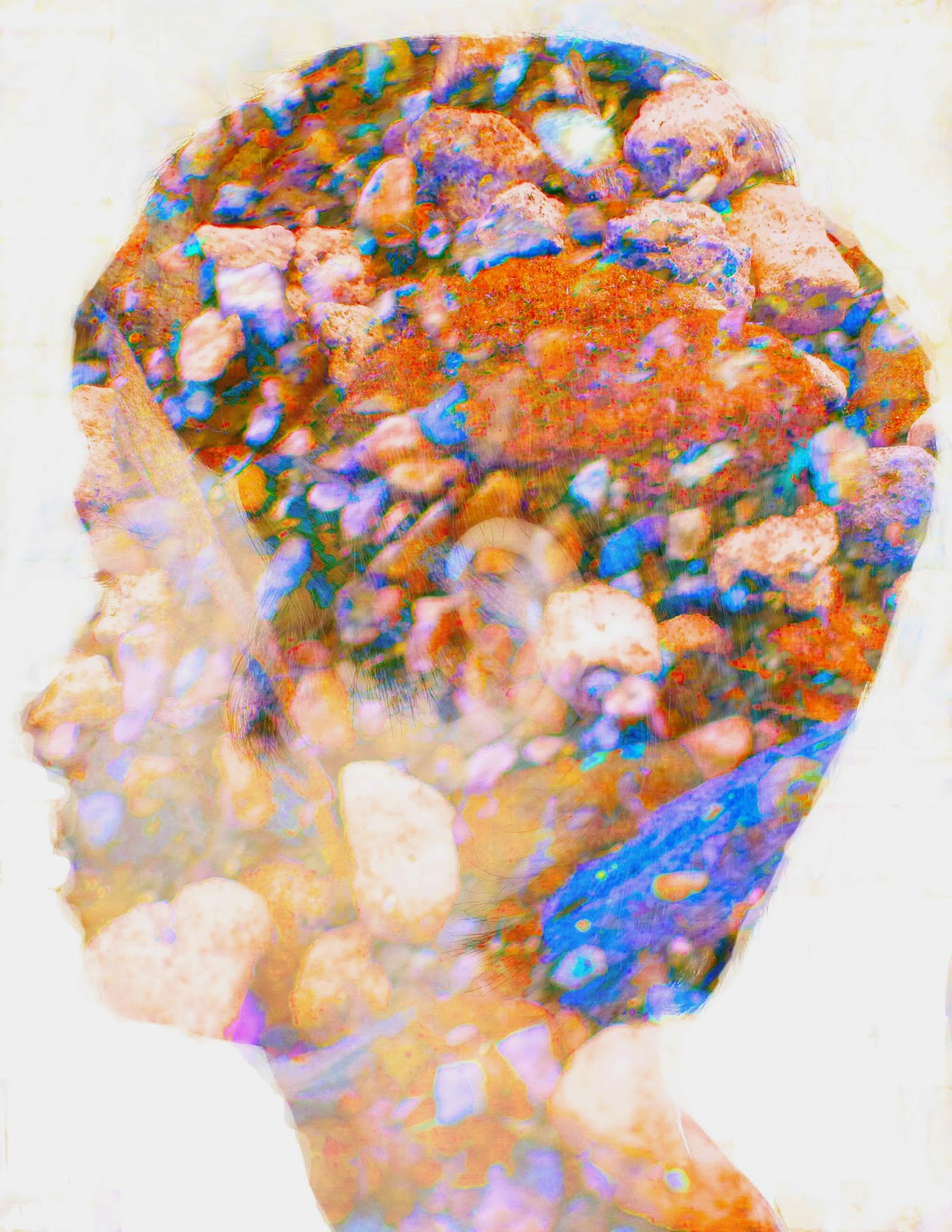
Double exposures are created in Photoshop by taking three images, two landscapes and one profile image. Once you have your images you take your profile image and bring it to the front of all your pictures, then take the dodge tool. What the Dodge Tool is is it lightens the image. You use the dodge tool to the make all the areas around your face completely white. Also the burn tool can darken the image (not an important fact but just good to know). The white space is called the negative space. Next you take all of your images, double click them and click screen mode. This will make all of your images see-through. Then (this is the fun part) you just mess around with adjustment layers make it look really colorful and beautiful or dark and depressing, or just explain who you are! Personally I liked the double exposed profile rather than the multi exposed profile because you get to be more abstract.

Multi Exposed
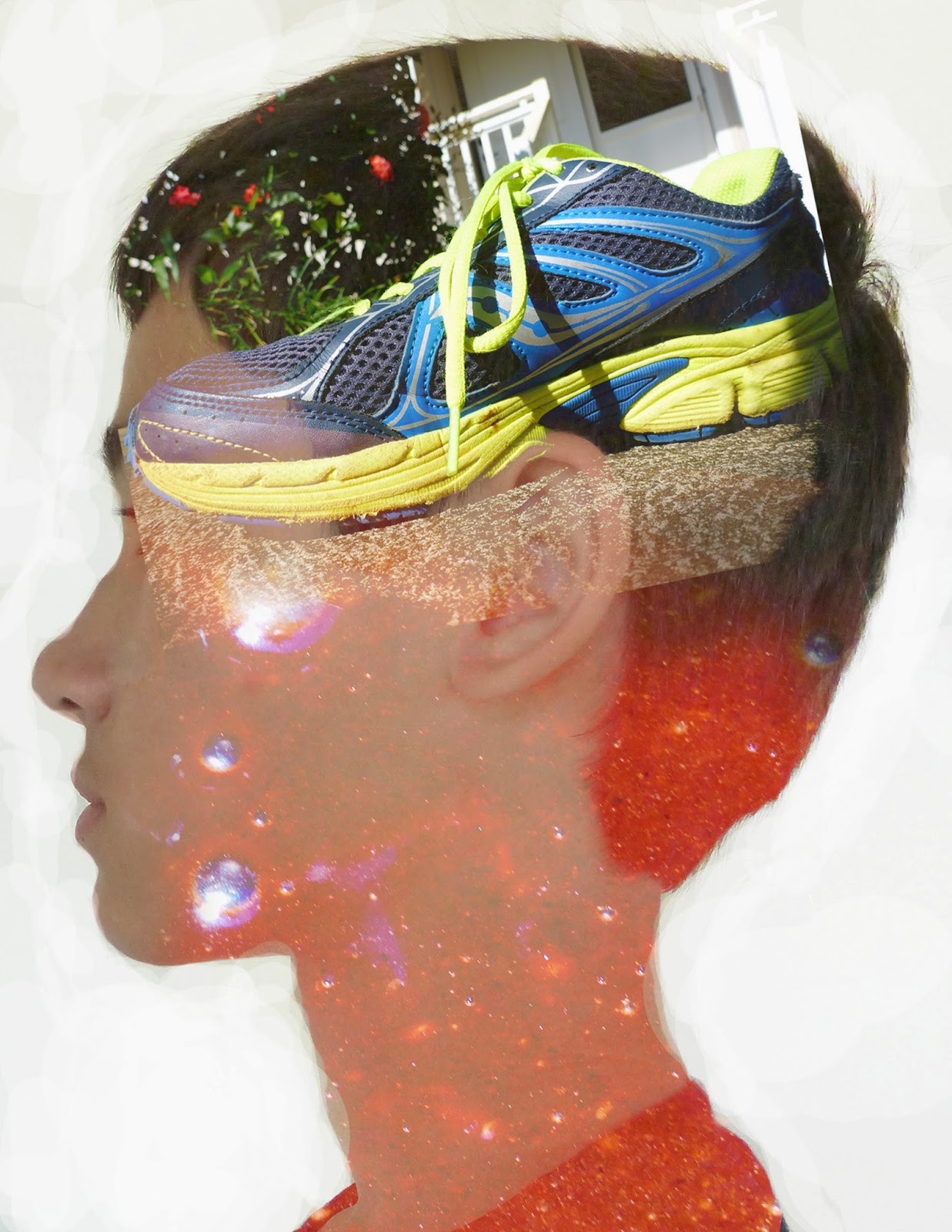
Personally my quality of work could have improved by a landslide. You can't very well see my second image and that second image is discolored! The second image I am talking about is not the shoe, but is the brownie mix. It was a very very difficult task to try to make the brownie mix visible because it is only one color and you really can only see the bubbles. These images represent me because I like running (that's the shoe) and I love cooking (the dreaded brownie mix). Also I was supposed to take a picture of the opposite side of my face yet somehow it turned up as the same side I was facing with my double. Wonder how that happened? I swore that was the opposite side of my face, oh well (Maybe my teacher wont notice, sssssshhhhhhh don't tell him). Anyway Here are my double and multi exposed portraits:
Double Exposed

Here is some pictures to help guide you:

Monday, February 9, 2015

HDR Photography

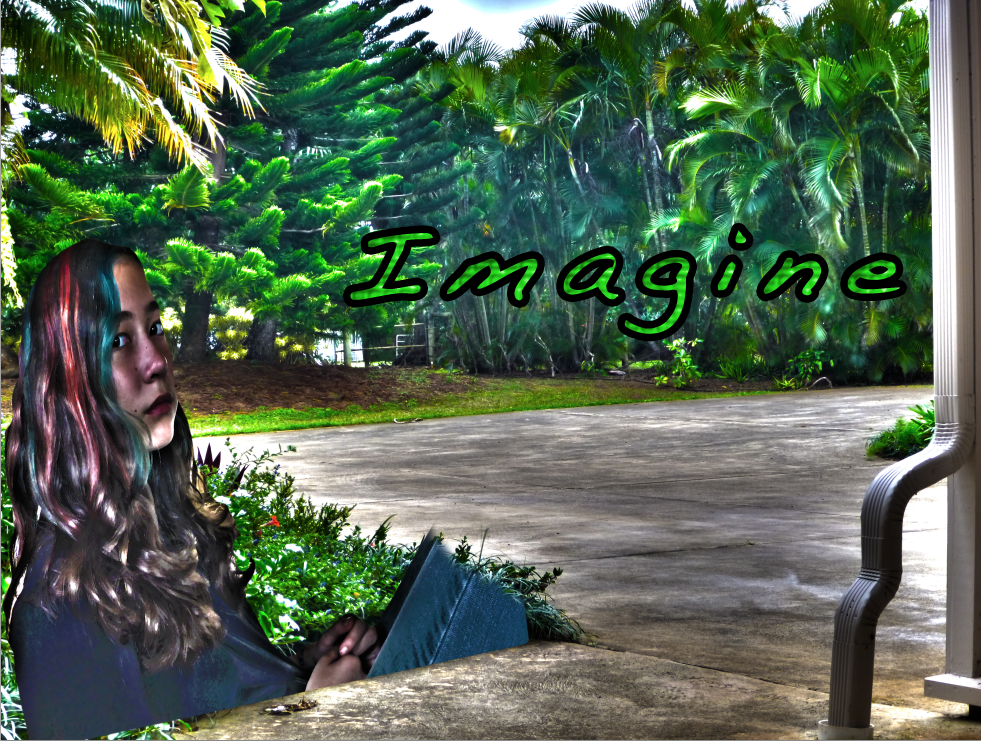
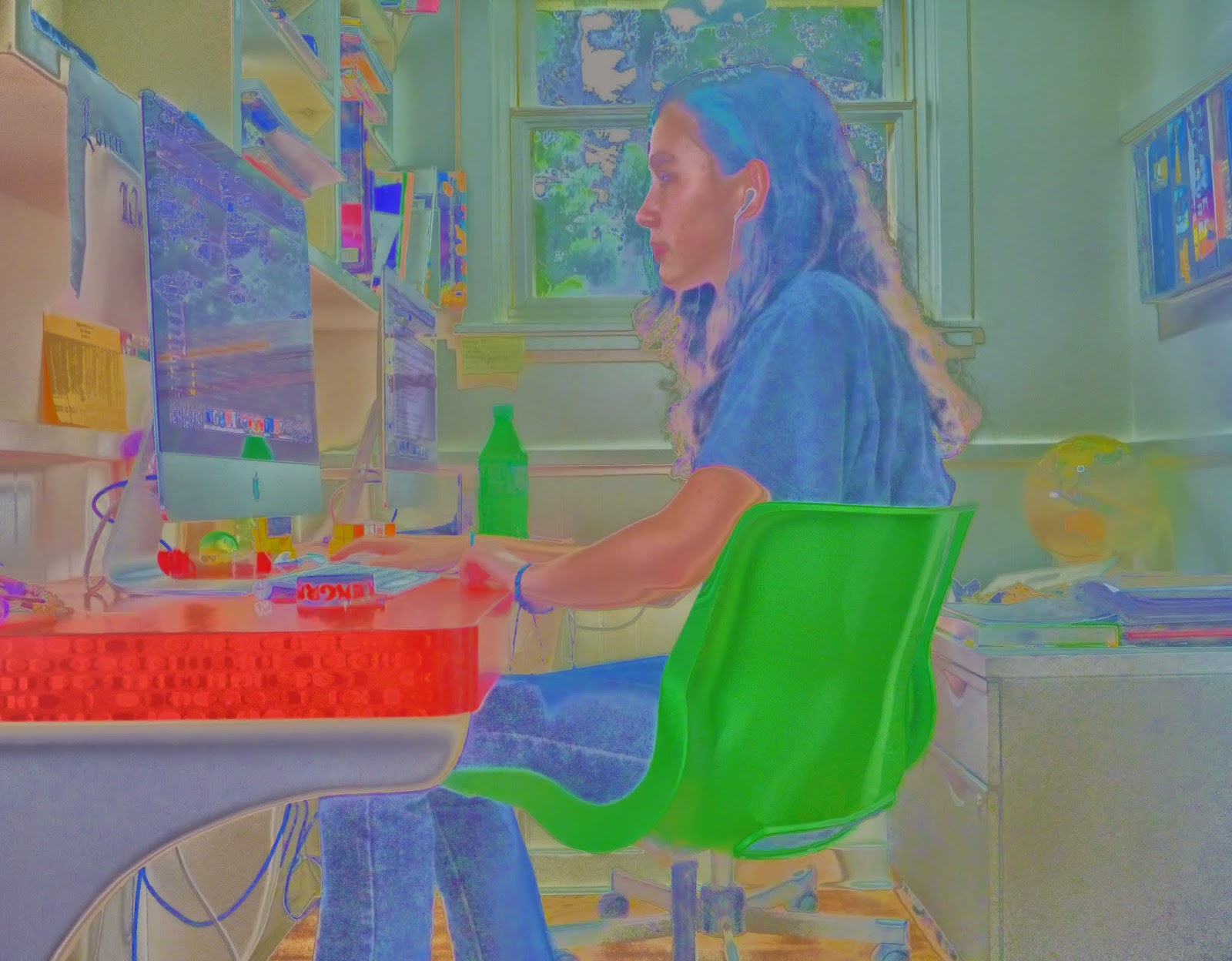
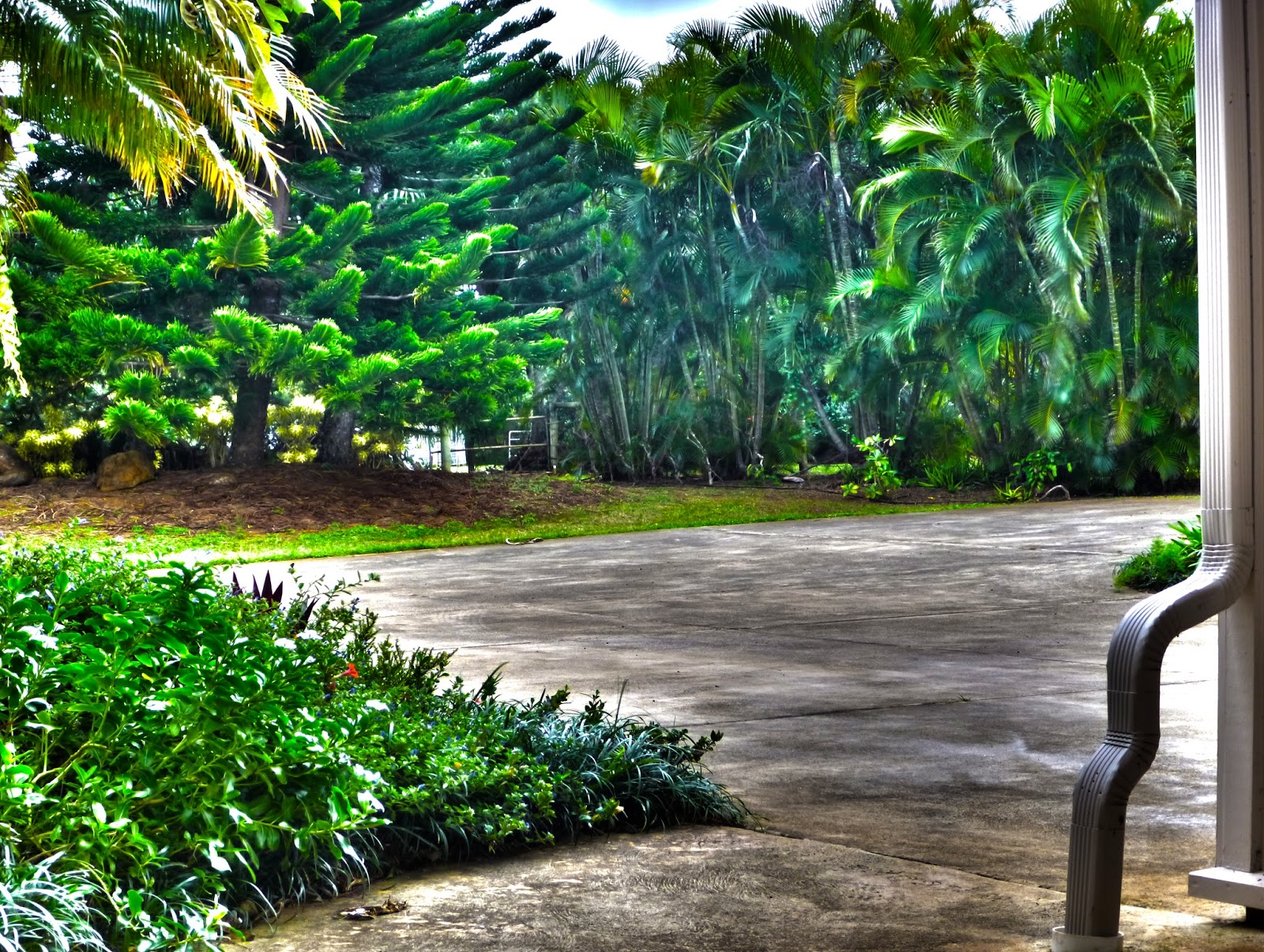
An HDR photograph, or High Dynamic Range photograph, is the exposure compensation in a picture or how light or dark an image is. HDR photography is used to have that perfect look in photos, or the right exposure compensation. We do this by going into photoshop and clicking merge to HDR then you can customize the final photo. Merge to HDR in photoshop attempts to align all your images up and combine all your images exposure compensation so you get that perfect looking picture. You can customize the photo by changing the saturation, gamma, radius and much more. I like the look of the afterward effects in the Merge To HDR in Photoshop. I did two experiments, which are pictures of people, one landscape and one superimpose. Now here are my all of my finished photos:
Experiment 1

Landscape

What you do to create an HDR photo step by step is you take your photos. Then you put your photos in Photoshop and click file, Merge to HDR Pro. Once you have done that wait for it to render in, this may take a while depending on how big or small your pictures are. Then once your pictures have loaded in you can play around with the highlight, exposure, saturation and many more things. Beware the ghosts and ghouls though. No I'm kidding but seriously, if anything moved in your photo you will have ghosts. Don't be haunted by ghosts!

The thought that went into my superimpose, landscape and experiments was "hmm I want something unique and something colorful." So in my first experiment I did just that, colorful and unique. The reason I didn't use the first experiment was first of all because it got a three out of four out and secondly because on my superimpose it wouldn't work. Our teacher said that you can only have the person incorporated in the photo, and that would mean floating legs and weird hands. The step by step process that went into my pictures was that I want the rule of thirds, so I got my sister to get her eyes into the rule of thirds then I accidentally took a profile of her, and that is why I believe I got a three rather than a four on that project. The process behind the landscape was, that I wanted to do something different, so instead of grass I put concrete. On the landscape I forgot to put in rule of thirds though yet somehow rule of thirds found its way into m photo, happy accident.

Friday, January 30, 2015

1000 PAGE VIEWS

THANK YOU THANK YOU THANK YOU FOR 1000 PAGE VIEWS

HOPE YOU HAVE LIKED ALL OF MY BLOG POSTS I HAVE DONE SO FAR, COMMENT DOWN BELOW TO GIVE ME SOMETHING ELSE I CAN WORK ON!

Monday, January 26, 2015

Movie Trailer Critique


The next project that my class has completed was a movie trailer. In my movie trailer group there was Timothy Blum, Kalani Young and Cephas Woodward. We all pretty much worked together, we had fun, goofed around and got our work done. Kalani and Cephas were good for most of the time, but they needed to be told what to do and how to do it. And sometimes they would just play around instead of doing their work. I am a procrastinator but I care about my grade in this program, it is really fun and I do not want to get kicked out. When it got to the editing part we lost a bit of unison. What I mean by that is only tim and I started editing because Kalani would not show up, and Cephas would show up but not know what to do and leave. So it was up to me and tim to do all the editing. What I contributed to the script was part of the synopsis and the voice acting script, and some of the scenes. Our plan for our document was stressful though because it needed a lot of focus, which sadly was something we lacked.


The requirements for this project was to have one minute and thirty seconds minimum and two minutes and thirty seconds maximum of footage and your movie poster at the end. Also we needed to have in our movie trailer text layovers, five scenes, dialog and foley. What a foley is, is it's a sound that is used in some movies. For example in animated movies the foley makers are hard at work making all the foley's needed for it to be a successful movie, like if someone in the movie was falling maybe the foley makers are whistling and then drop a shoe to indicate that they fell. The movie poster at the end that we showed was tim's poster because we thought it was the best poster out of all of ours.

I agree with the results that my team got. We got all threes and some fours, which personally I thought the results would be lower but who am I to complain. We tried to fake the audience out by putting in some text layovers at the end, but in the end we didn't need them except we kept them in anyway. When it came down to the last day when we were almost done editing we realized, we only had four out of five scenes. Then we rushed to get by the last scene and it didn't completely make sense at first but if you followed the story you could kind of follow along. It wasn't the best movie trailer but we had a good time.