Friday, March 13, 2015

Typography Images

Typography is a way of arranging text. That means in Typography Portraits you arrange words inside of a portrait. If you don't know what a portrait is you can look on my last blog post the Double Exposed Portraits. Typography Portraits are basically words inside of a picture, no meaning right? No the words inside of the image describes them, it tells everyone who looks at it look this is who they are. It can be used with images to make a lasting impact in, like I said, a typography portrait. How a typography portrait makes a lasting impact is you look at the image, but the image is made of words! So you pay attention to the image made of words, and it tells you what the person is, what they do, what they like and so forth.

My biggest challenge during this project was cropping and trying to get the text to fit. The first time I did this I was new and I was still learning. Now I have had experience and know what I am doing. The text was a big issue for me because I had to remove some spaces from the text and it was when I was almost done. So, I had to restart the whole process and remove the space. Also when I cropped the images I couldn't get the whole face inside the crop. It turned out looking like sides of his face got cut off . This problem sadly I did not fix, the crop box couldn't be fixed.


Right now I am writing about my three images, although I currently only have two at the moment. My first image is of Nikola Tesla the first person to come up with the idea of powering things with electricity. Yes that was not Thomas Edison that was, in fact, Nikola Tesla. I chose that image because I think that he is under appreciated. The second image is of my social studies teacher. This process was under the intermediate category so it was  much harder to do and understand. The third image I am going to do is of myself (this is going under expert so it will be very difficult, wish me luck!). I had to rush on the last one so it will look hurried. The last one doesn't even look like me. :(

Wednesday, February 25, 2015

Double Exposed Portraits

Portrait photography is a picture of someone or a group of people that displays expression or mood. Usually the picture is focused on the persons head but it may have the persons body and a background image included. A profile is an outline of something, usually a persons face. Portrait and profile are similar because they both are of people, while one is of the side of the face and the other is of the whole face. Silhouetting is a picture of a person or an animal but it is only in one color. All these are very similar and yet so different, for example silhouetting is of a person but only in one color, a portrait is of a person or group of people showing mood or expression and profile is of the side of a persons face.

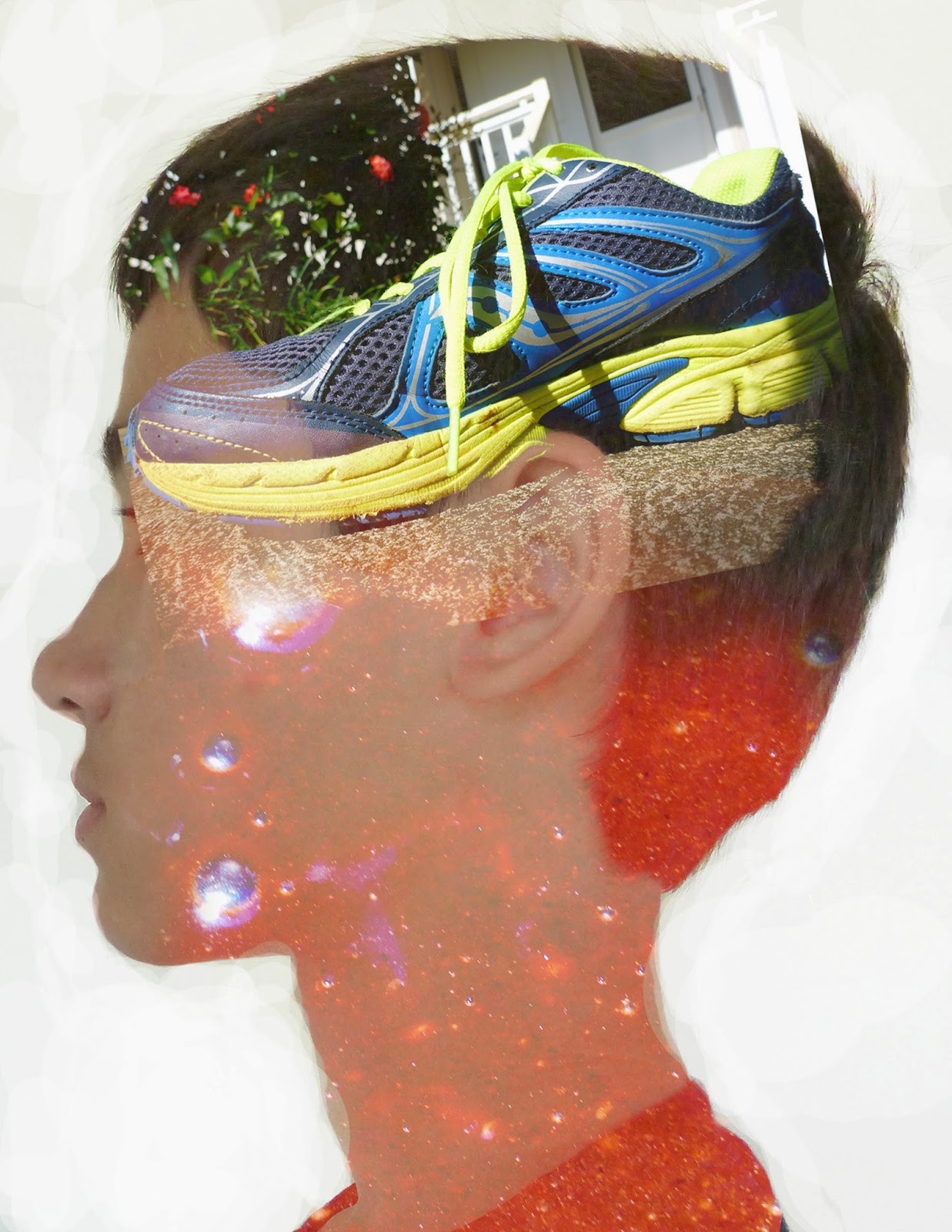
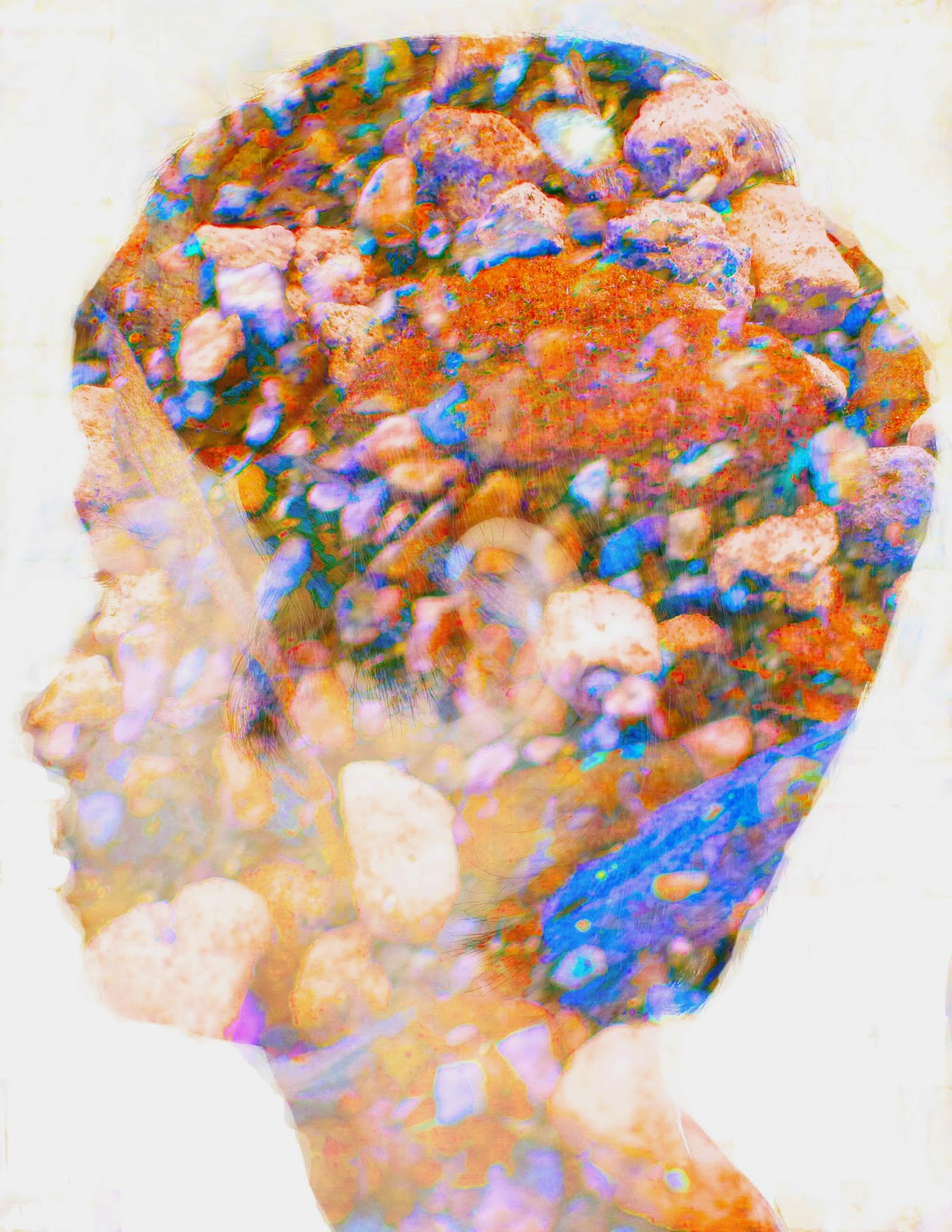
Double exposures are created in Photoshop by taking three images, two landscapes and one profile image. Once you have your images you take your profile image and bring it to the front of all your pictures, then take the dodge tool. What the Dodge Tool is is it lightens the image. You use the dodge tool to the make all the areas around your face completely white. Also the burn tool can darken the image (not an important fact but just good to know). The white space is called the negative space. Next you take all of your images, double click them and click screen mode. This will make all of your images see-through. Then (this is the fun part) you just mess around with adjustment layers make it look really colorful and beautiful or dark and depressing, or just explain who you are! Personally I liked the double exposed profile rather than the multi exposed profile because you get to be more abstract.

Multi Exposed
Personally my quality of work could have improved by a landslide. You can't very well see my second image and that second image is discolored! The second image I am talking about is not the shoe, but is the brownie mix. It was a very very difficult task to try to make the brownie mix visible because it is only one color and you really can only see the bubbles. These images represent me because I like running (that's the shoe) and I love cooking (the dreaded brownie mix). Also I was supposed to take a picture of the opposite side of my face yet somehow it turned up as the same side I was facing with my double. Wonder how that happened? I swore that was the opposite side of my face, oh well (Maybe my teacher wont notice, sssssshhhhhhh don't tell him). Anyway Here are my double and multi exposed portraits:
Double Exposed

Here is some pictures to help guide you:

Monday, February 9, 2015

HDR Photography

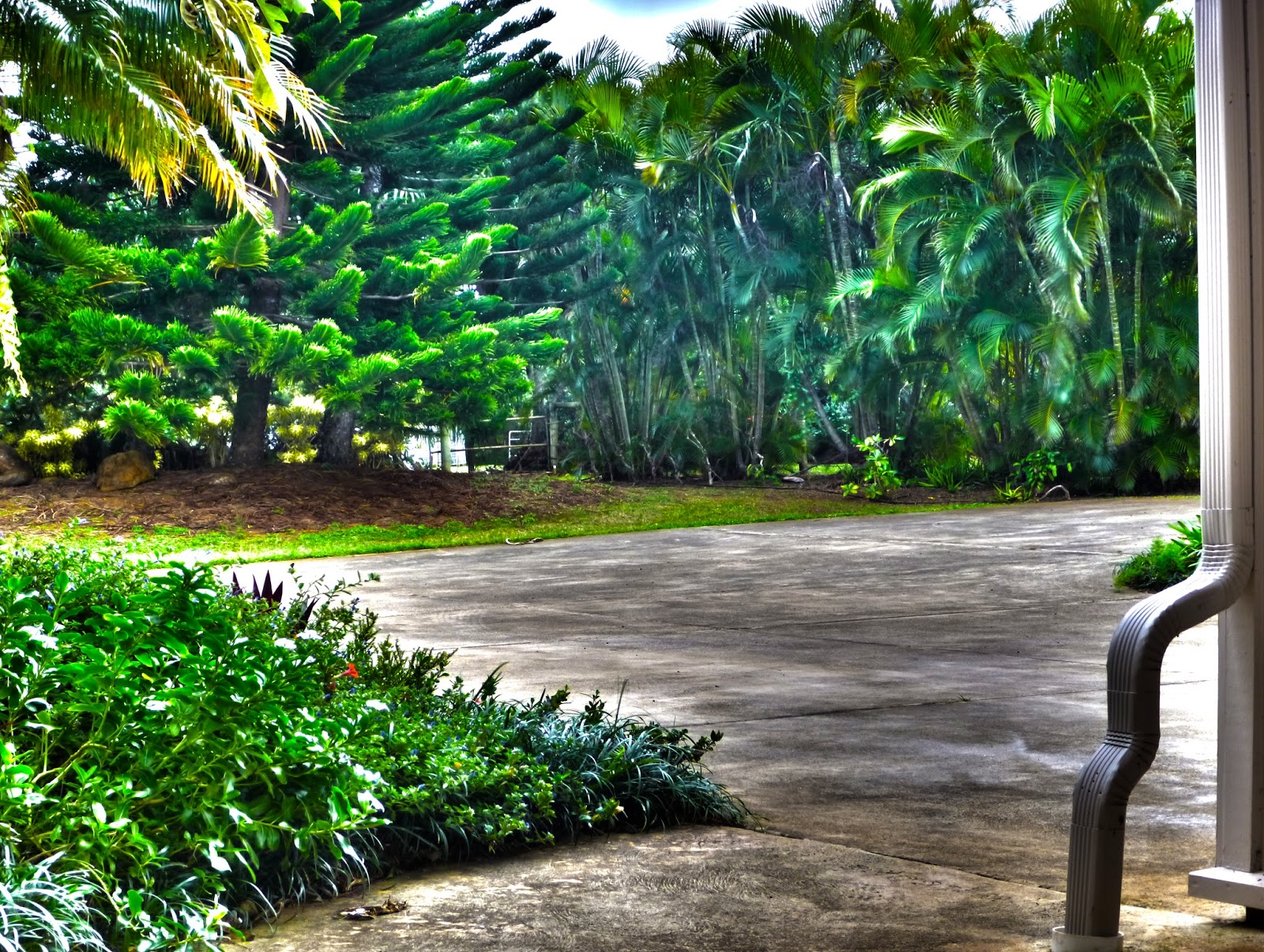
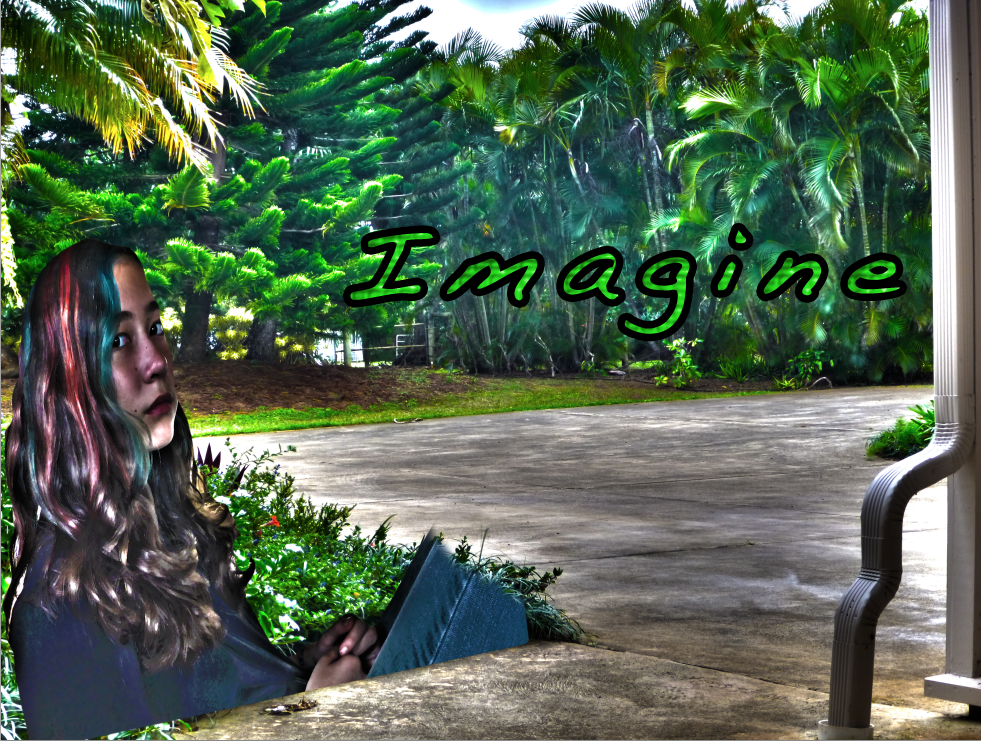
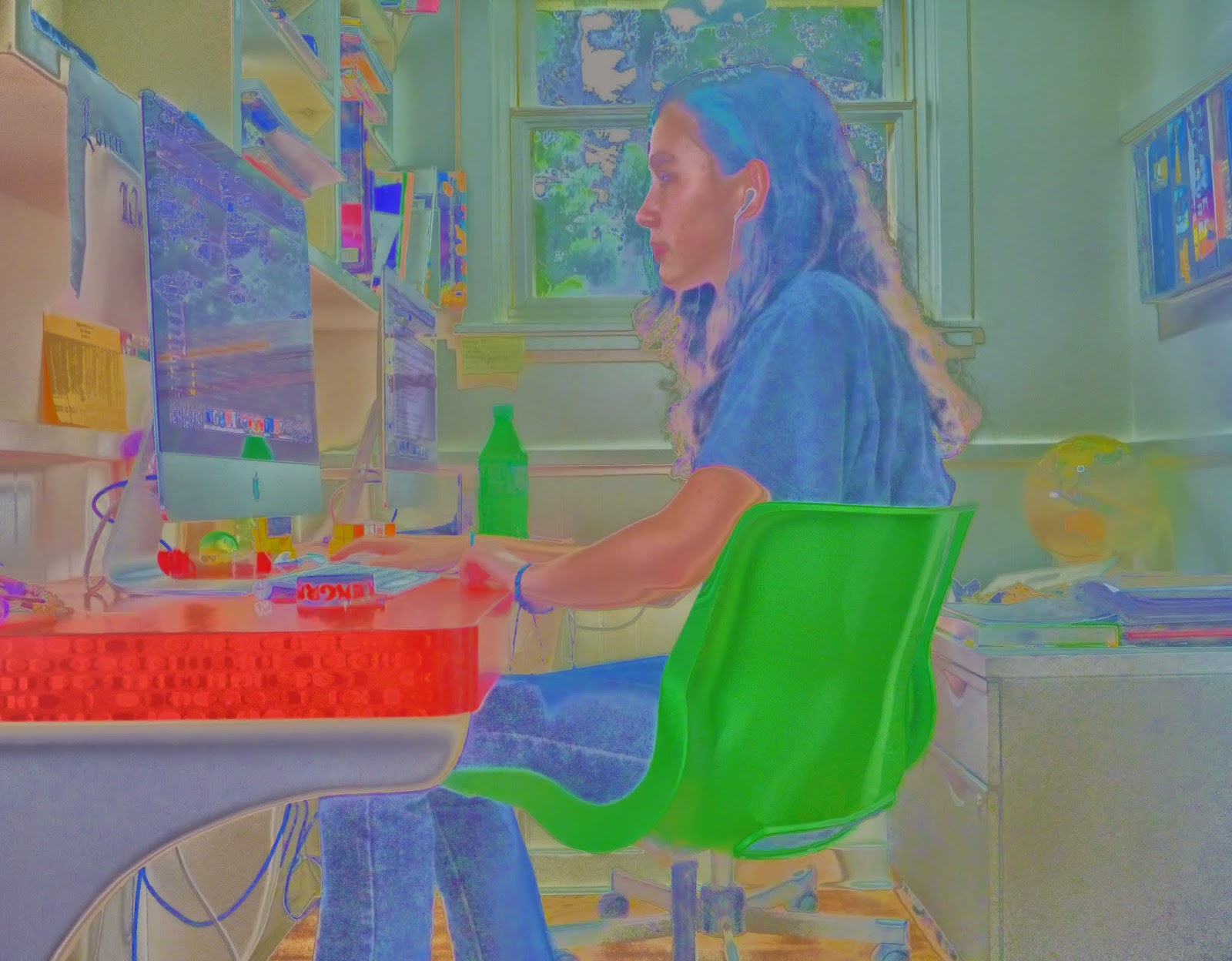
An HDR photograph, or High Dynamic Range photograph, is the exposure compensation in a picture or how light or dark an image is. HDR photography is used to have that perfect look in photos, or the right exposure compensation. We do this by going into photoshop and clicking merge to HDR then you can customize the final photo. Merge to HDR in photoshop attempts to align all your images up and combine all your images exposure compensation so you get that perfect looking picture. You can customize the photo by changing the saturation, gamma, radius and much more. I like the look of the afterward effects in the Merge To HDR in Photoshop. I did two experiments, which are pictures of people, one landscape and one superimpose. Now here are my all of my finished photos:
Experiment 1

Landscape

What you do to create an HDR photo step by step is you take your photos. Then you put your photos in Photoshop and click file, Merge to HDR Pro. Once you have done that wait for it to render in, this may take a while depending on how big or small your pictures are. Then once your pictures have loaded in you can play around with the highlight, exposure, saturation and many more things. Beware the ghosts and ghouls though. No I'm kidding but seriously, if anything moved in your photo you will have ghosts. Don't be haunted by ghosts!

The thought that went into my superimpose, landscape and experiments was "hmm I want something unique and something colorful." So in my first experiment I did just that, colorful and unique. The reason I didn't use the first experiment was first of all because it got a three out of four out and secondly because on my superimpose it wouldn't work. Our teacher said that you can only have the person incorporated in the photo, and that would mean floating legs and weird hands. The step by step process that went into my pictures was that I want the rule of thirds, so I got my sister to get her eyes into the rule of thirds then I accidentally took a profile of her, and that is why I believe I got a three rather than a four on that project. The process behind the landscape was, that I wanted to do something different, so instead of grass I put concrete. On the landscape I forgot to put in rule of thirds though yet somehow rule of thirds found its way into m photo, happy accident.

Friday, January 30, 2015

1000 PAGE VIEWS

THANK YOU THANK YOU THANK YOU FOR 1000 PAGE VIEWS

HOPE YOU HAVE LIKED ALL OF MY BLOG POSTS I HAVE DONE SO FAR, COMMENT DOWN BELOW TO GIVE ME SOMETHING ELSE I CAN WORK ON!

Monday, January 26, 2015

Movie Trailer Critique


The next project that my class has completed was a movie trailer. In my movie trailer group there was Timothy Blum, Kalani Young and Cephas Woodward. We all pretty much worked together, we had fun, goofed around and got our work done. Kalani and Cephas were good for most of the time, but they needed to be told what to do and how to do it. And sometimes they would just play around instead of doing their work. I am a procrastinator but I care about my grade in this program, it is really fun and I do not want to get kicked out. When it got to the editing part we lost a bit of unison. What I mean by that is only tim and I started editing because Kalani would not show up, and Cephas would show up but not know what to do and leave. So it was up to me and tim to do all the editing. What I contributed to the script was part of the synopsis and the voice acting script, and some of the scenes. Our plan for our document was stressful though because it needed a lot of focus, which sadly was something we lacked.


The requirements for this project was to have one minute and thirty seconds minimum and two minutes and thirty seconds maximum of footage and your movie poster at the end. Also we needed to have in our movie trailer text layovers, five scenes, dialog and foley. What a foley is, is it's a sound that is used in some movies. For example in animated movies the foley makers are hard at work making all the foley's needed for it to be a successful movie, like if someone in the movie was falling maybe the foley makers are whistling and then drop a shoe to indicate that they fell. The movie poster at the end that we showed was tim's poster because we thought it was the best poster out of all of ours.

I agree with the results that my team got. We got all threes and some fours, which personally I thought the results would be lower but who am I to complain. We tried to fake the audience out by putting in some text layovers at the end, but in the end we didn't need them except we kept them in anyway. When it came down to the last day when we were almost done editing we realized, we only had four out of five scenes. Then we rushed to get by the last scene and it didn't completely make sense at first but if you followed the story you could kind of follow along. It wasn't the best movie trailer but we had a good time.


Friday, December 12, 2014

Movie Poster Promo


Our gifted and talented teacher now has us doing a movie poster for a fake movie trailer. The main characters in my movie trailer are Jerry and Billy who are just trying to babysit, the parent and the baby who is kidnapped! This story is about a baby getting kidnapped and Jerry and Billy trying to find the baby before the parent comes home. The setting is the home of the adult and the baby. Jerry and Billy Are just trying to find the baby that is kidnapped and get him home. There is just one thing, they have no clue where the baby is. When they are trying to find the baby however it shows where the baby is the whole time. They just need a little extra help (and brains) to find the "kidnapped" baby.

The text in my movie poster are critiques for the movie. For example walt disney created this movie trailer and they got critiques from times magazine. It said "This is the best film, it kept me on the edge of my seat and wanting to learn more on the whereabouts of the baby".  Kerning is a technique for a great movie poster. What kerning is, is it's the spacing of the letters, this is very important because you don't want to see a movie poster with unevenly spaced letters. Now that just looks unprofessional. Kerning is a very important skill to have handy with you because it is more appealing, for example what looks better this, or t  hi   s.  Use this kerning program to sharpen your kerning skills: Kerning Game.

The layer effects I used on my movie poster made a huge impact. The layer effects that were required were: Drop Shadow, Stroke, Bevel & Emboss. I have completed all of the requirements for this task so far. The effects made the words pop out off the page and made the words look like rock. The filters I used was on the actual picture as you see in the picture above. The filter I used was a distortion that made the picture look rough. Others used the filter to make it look like they were traveling through time and space. What filters do is they retouch your photos and made them look finished. Now here is my finished movie poster:

Wednesday, November 26, 2014

Proactive or Procrastination?

Don't Be a procrastinator and hold on to your idea
Personally I think I am a procrastinator. Some people may say that I am a good worker and stay on task, which is true. Sometimes. When I like the work I am doing then I do the work, I stay on task and I do it well. However if it is something that I don't like to do such as social studies or history I talk to my friends I goof off and I don't get things done. I also always do something that really bothers me. I always say I am using my time wisely but I am not. I say that I will do some today and some later. I still get things done but not as efficiently, if I was going to get things done early then I would get things in on time instead. I don't really want to be a procrastinator and I want to change, I guess why I do this is because I want more free time each day.


Don't Be a procrastinator and whatever you do
DON'T GET SUCKED INTO THE COUCH
The level of my productivity relates to my free time by getting things done. What I mean by that statement is that when I get things done I have a bunch of free time. When I don't though, I have not as much free time. What I do in my free time is I just go on the computer, play games and sometimes watch youtube. I don't do very much in my free time because I don't have very much to do in my free time. I don't surf, I do have a boogie board but I don't go on it very much. I don't play any sports or are on a sports team, I do have some sports equipment but I have no one to play with, their usually doing work. My mom also has me do a certain schedule that makes me work almost everyday academically. The schedule is: on monday I do khan academy( (math), on tuesdays I explore the microscope we borrowed from the school, on wednesdays I have to do teenbiz3000 and it has to be a 100% or I will have to do it again, thursdays I do a thing called i-ready which our school just started doing,fridays my mom makes me research greek and roman engineering, last of all on saturdays I do more I-Ready. So, when I do my work, including my moms schedule, I have a lot of free time although when I don't do my work I do not have a lot of free time.

What I would change about my work habits is trying harder. When ver something is really hard I usually just try it a couple times more increasingly trying less and less and then I just give up. I don't like the way I do that but it is just the way I am. I was a born procrastinator and I don't like it. If I could change anything about my work habits I would probably say I want to try a little harder before I give up. I am working on doing that now by taking around 5 minute breaks then trying it my best all over again until either it gets too late or I get to the point where I say "I need someone else's help because I am going no where with this." All in all what I am trying to say is don't be a procrastinator, be proactive and always try your hardest at the most difficult of times. Don't be like me and give up.